Entralpi
EN FR
Quickstart

From the box to your first number.

Four steps. Nothing to mount, nothing to rig, nothing to charge. If the plate is already out of the box you are most of the way there.

Setup time
About 5 minutes
Tools needed
None
Account
Not required

Check the box first

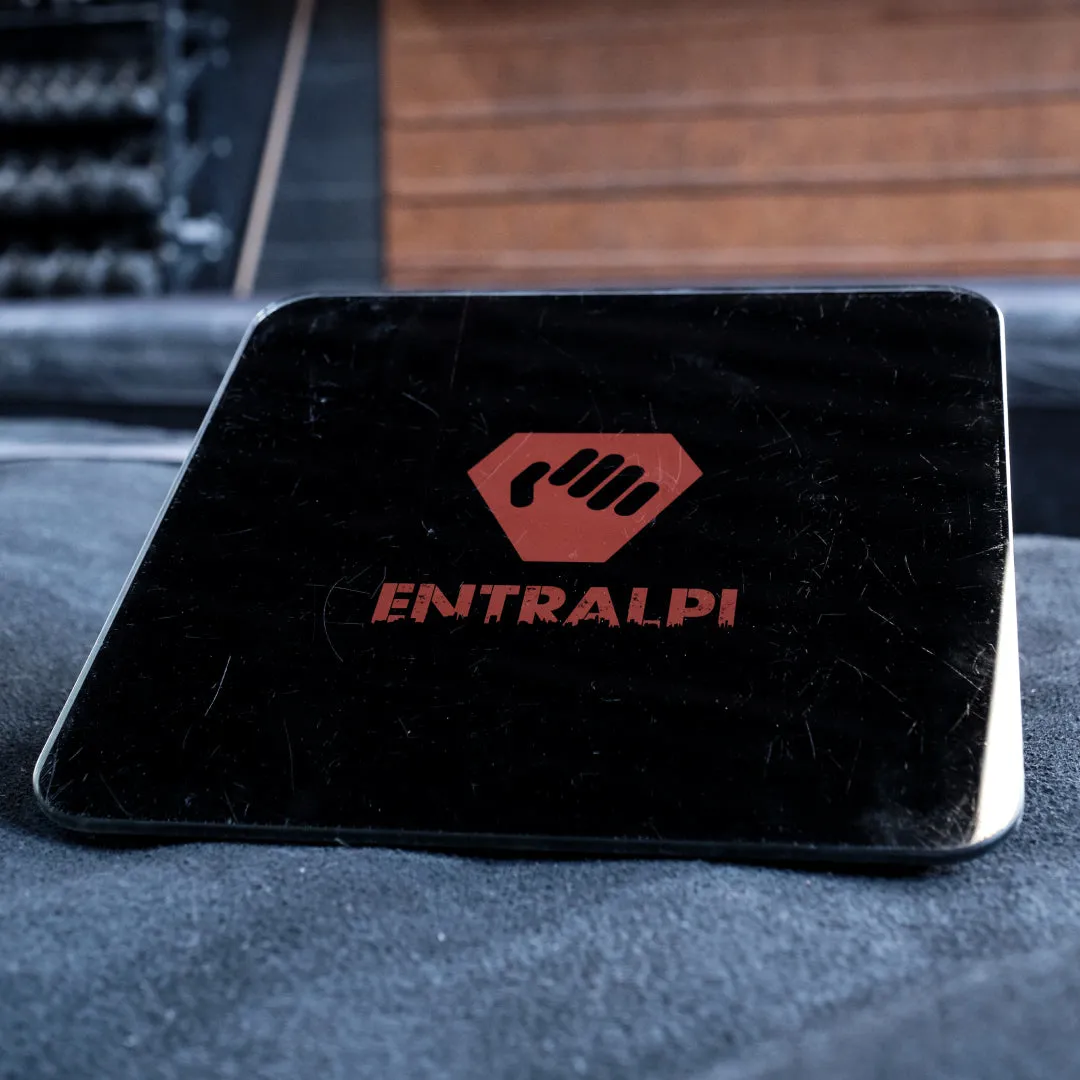
  • Entralpi force plate 300 × 300 × 28 mm, 1.7 kg
  • 4 × AAA batteries Loose in the box, not pre-installed
  • Quick start card The short version of this page

Missing something? Tell us and we will ship the part, not a replacement unit. Contact us.

The Entralpi force plate

Setup steps

  1. Step 01

    Put the batteries in

    The compartment is on the underside of the plate, and the four AAA cells came in the box.

    There is no internal battery and no proprietary charger, so there is nothing to plug in before your first session. A set of alkalines lasts months of normal training. If you train most days, rechargeable AAAs are worth it.

  2. Step 02

    Set it down where you already pull

    Flat, hard floor, directly under the edge you want to train on.

    You stand on the plate and pull, so the load is read through the ground rather than through a rigged line. That means any edge works — a fixed hangboard, a portable block, a door frame, a wooden rail you screwed up yourself. Nothing gets mounted and nothing hangs overhead.

    Keep it off carpet and off crash pads. A surface that flexes under the plate adds noise to every reading. The plate is rated to 150 kg total, which is you plus anything you are holding.

  3. Step 03

    Install the app

    Free on iOS and Android, with no subscription and no paywalled tests.

    You do not need an account to start. Open it and train; create one later if you want your history to survive a new phone.

  4. Step 04

    Stand on the plate, open the app

    That is the whole pairing procedure. There is no power button and no device list.

    The plate wakes under your weight and starts advertising over Bluetooth LE. The app looks for it when a session starts and connects on its own, usually within a couple of seconds. It then weighs you, because your pull is measured against your weight: stand still for a moment.

    Do not pair it from your phone's own Bluetooth settings — it is meant to connect from inside the app only. On Android, allow your location when prompted, and "Nearby devices" as well on Android 12 or later; the operating system puts Bluetooth scanning under these permissions. The app does not use where you are.

    Nothing happening? The plate has to be under load to wake up. Step on before you look.

Your first session

A first pull, then a baseline.

The first time you open the app, tell it you have your Entralpi and it takes you through a first pull: three short pulls on the plate, about half a minute. It then asks what you want from Entralpi and how you want to train, and builds a plan if you ask for one. From there the app has four tabs along the bottom — Train, Plan, Test and Profile. Warm your fingers up properly, then go to Test. Without a baseline the percentage-based workouts have nothing to scale against.

  1. Maximum strength
    ~2 min

    Pick a hold and pull on it for five seconds at your maximum, once with each hand. This is the MVC that every percentage-based workout is scaled from, so it is the one to do first.

  2. Finger profile
    ~10 min

    The same measurement taken finger by finger. It is how you find the imbalance you have been compensating for without noticing.

  3. Critical force
    4 min

    A sustained intermittent-hang protocol that separates your maximum strength from what you can hold onto repeatedly. It unlocks the endurance analytics in the app.

Every session is kept on its own: open Profile, then Activity History. Retest the same protocol every few weeks — same hold, same warm-up, same time of day — and the comparison means something.