The weight or the force looks wrong
Checked with app version1.0.63· Last updated
Weigh in again: both feet on the plate, standing still, hands off everything. The app refuses a weigh-in when you move, or when the plate reads less than a person’s weight. What it cannot see is a steady reading that is not your whole weight: a hand on the wall or on the hangboard, a foot partly off the plate.
Why the weigh-in matters
You stand on the plate and pull on a hold above you. The plate does not measure your pull directly: it measures how much of your weight is left on it. So the app weighs you first.
A weigh-in that is too low makes every force of that session too low, and no pull can read higher than the weight it took. Targets set as a share of your body weight shrink with it.
At the start of a session
The app weighs you each time a session starts, on the screen that says Stand still. It takes a few seconds. Stand with both feet flat on the plate, arms down, and do not touch the wall or the hangboard.
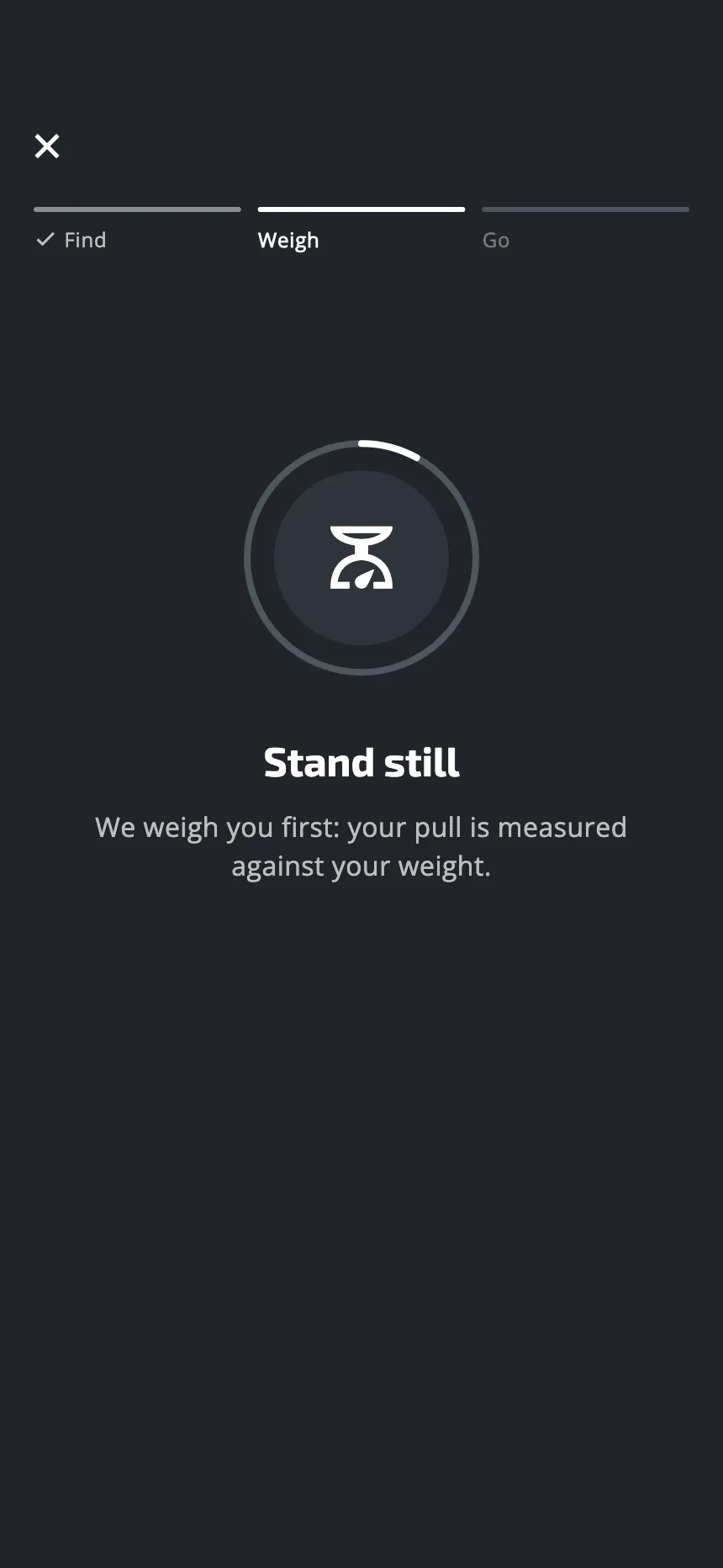
If it cannot weigh you, it says why:
| The screen says | What happened | Do this |
|---|---|---|
| You moved | The reading was not steady | Stand still, arms down |
| Step fully on the plate | The plate read less than a person’s weight, or almost nothing | Both feet on, full weight |
| We couldn't weigh you | The app got no reading it could use | Step off, step back on, stand still |
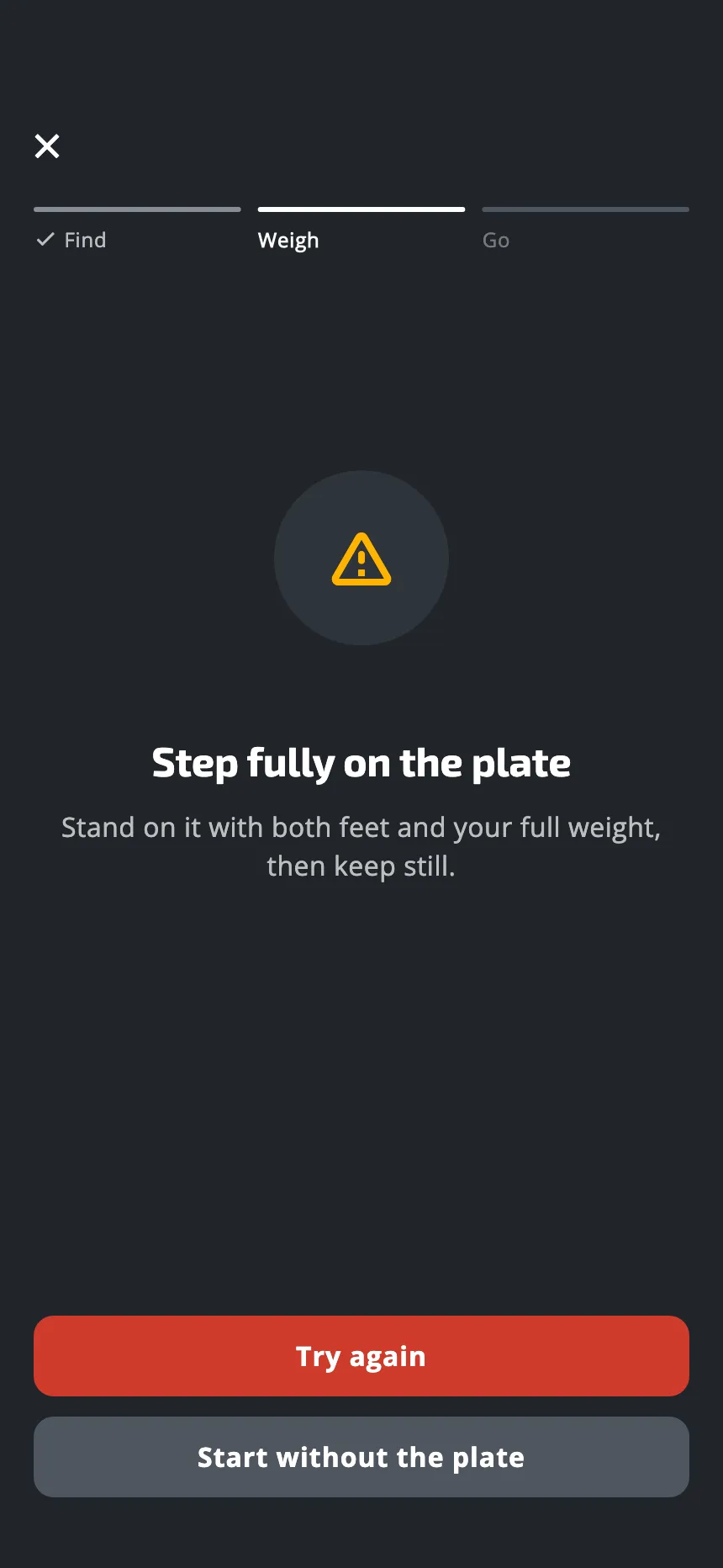
Tap Try again.
When it worked, the screen says Your Entralpi is ready for a second, then the session opens by itself. Tap Show weight on that screen to see the weight it took.
In the middle of a session
If the numbers look off once you have started:
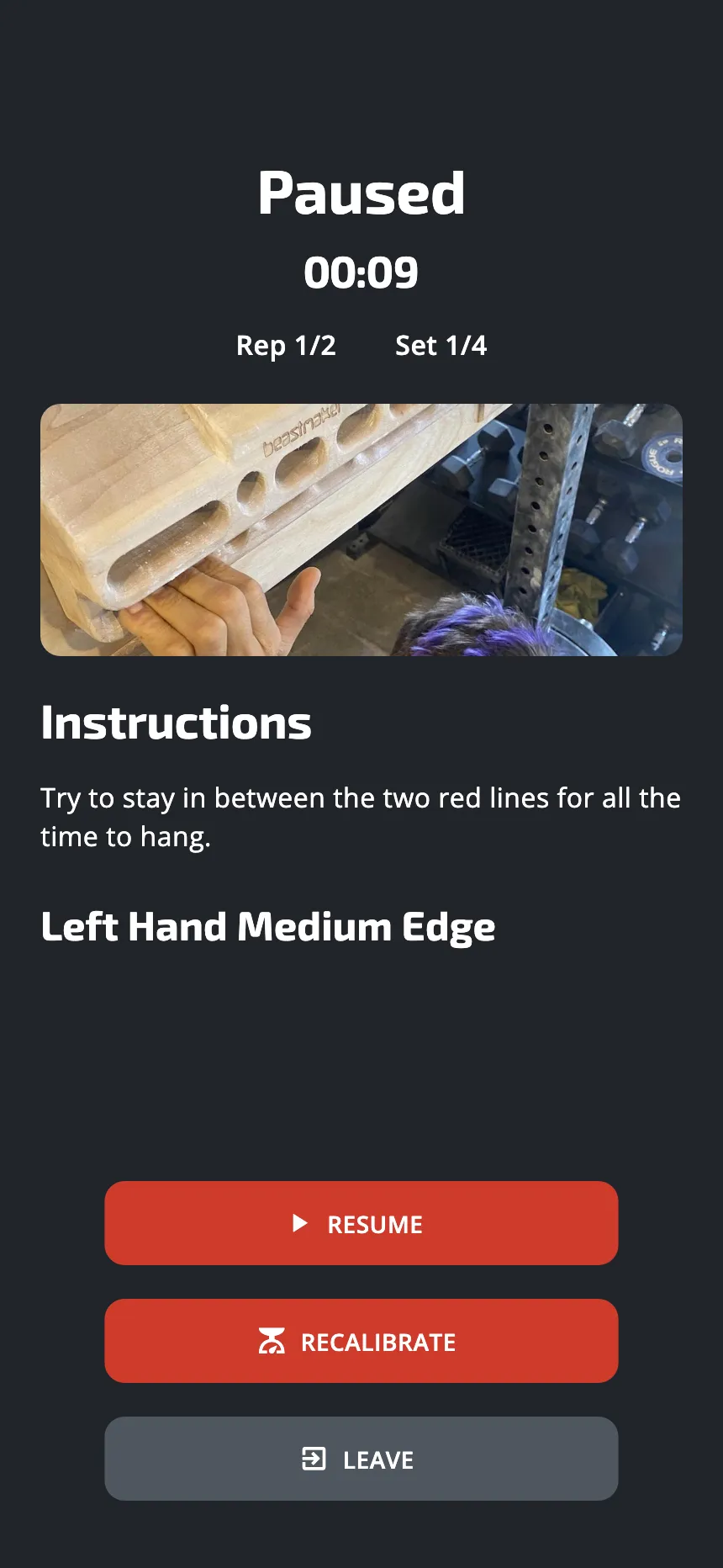
- Tap the pause button.
- Tap Recalibrate. (It is there in a session on the plate, not in one on the timer.)
- Stand still on the plate with both feet, then tap Calibrate.
- When it has worked, tap Resume workout in the same window.
Check the weights the app has taken
Profile, then Settings, then Weight history, lists your body weight, as recorded each time you weigh in before a session. It needs a connection. An entry far from the others carries the mark Unusual: check it. Whether it is wrong is yours to judge, and you can delete an entry.
Other things to check
- The unit. Settings, then Weight unit: kilograms, pounds or newtons. A force in newtons is about ten times the same force in kilograms.
- Max strength, in Settings. Most workouts set their targets from your maximum finger strength. Some use your finger profile or your sustainable force from the endurance test. When the value is missing, the workout uses the weight from the weigh-in instead, so a target can look far too high or too low. You can type it in there.
Still wrong?
Write to us with the weight the app showed, your real weight, and the floor the plate is on.
Was this helpful?
Thank you. It tells us which articles to improve.