Your first pull, and what the app asks you
Checked with app version1.0.63· Last updated
The first time you open the app, it takes about two minutes to set up. If your plate is with you, you pull on it before you answer anything. Do the quickstart first: batteries in, plate on a hard floor under your hold.
1. Say whether your plate is with you
The welcome has two choices:
- I have my Entralpi: you do a first pull, then answer two questions.
- Not yet: you answer the two questions. You connect the plate when it arrives.
Under them, a line shows the language and the unit, taken from your phone. Tap Change to pick another language (English or French) or another unit (kg, lbs or N).
If you already have an account, tap I already have an account and sign in. An account that has been through this setup skips it.
2. Allow Bluetooth
If your phone has not asked yet, the app first says why it needs Bluetooth: it is how it reads the force you pull, live. Tap Continue, then allow it when the phone asks. On Android the phone asks for your location, and on Android 12 or later for “Nearby devices” as well: Android puts the search for Bluetooth devices under them. The app does not use where you are.
3. Do your first pull
Your first pull is three short pulls on a hold, standing on the plate:
- left hand,
- right hand,
- both hands.
Each pull lasts 7 seconds, with 3 seconds of rest between two pulls. The targets are light: 15 kg for each hand, 20 kg for both, shown in your unit. Pull up to the target and hold it there. It should never hurt: stop at the first pain.
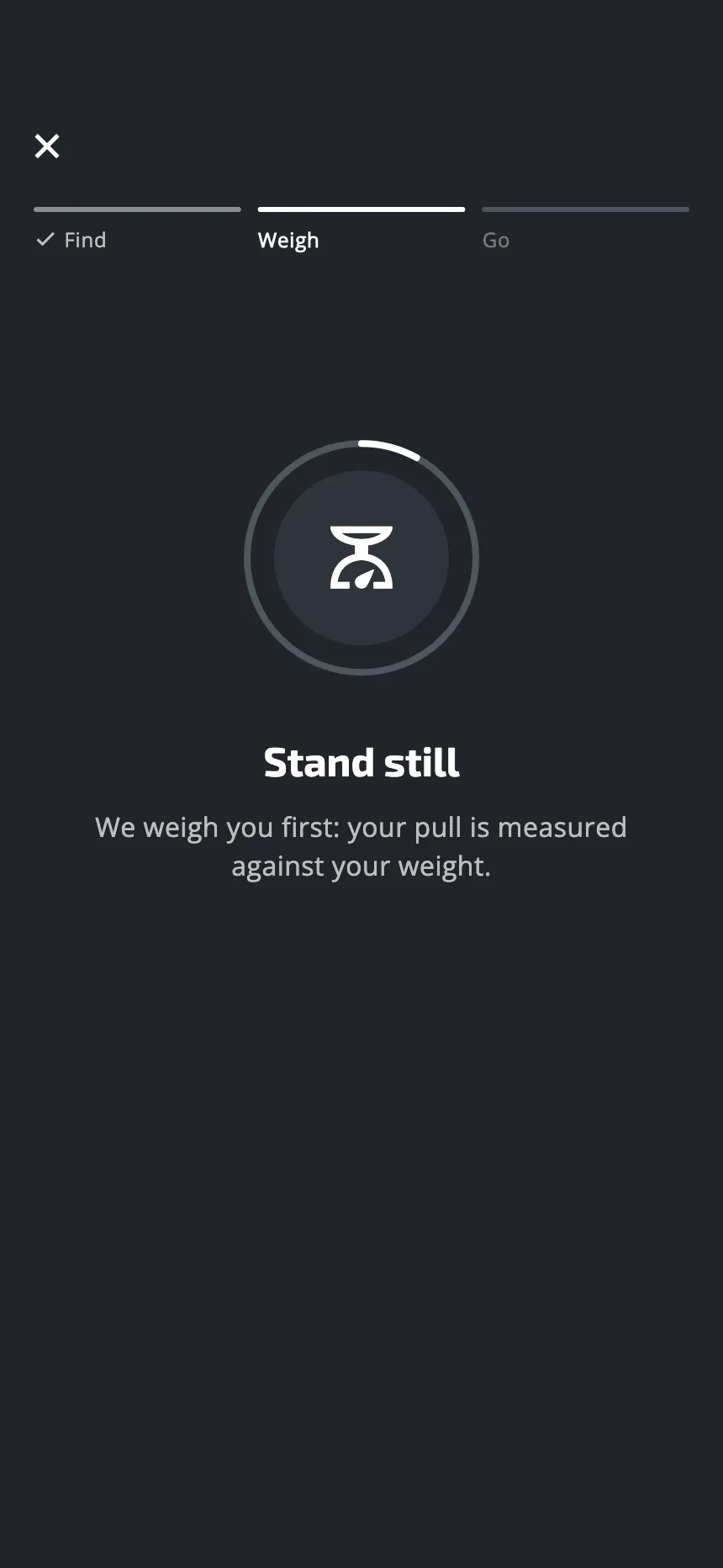
Tap Start. The app looks for your plate, weighs you: stand still for a moment. Then the session opens and waits for your first pull. A pull begins when you pull, and the rest begins when you let go.
When the three pulls are done, the app shows Workout completed with what you pulled. Its arrow takes you on to the questions.
4. Answer two questions
What do you want from Entralpi? Pick one:
- Get stronger
- Prevent injuries
- Keep my strength when life gets busy
- Something else, which opens a box to say it in your own words.
Behind Not yet the same question reads What do you want to train for?
How do you want to train? Pick one:
- On my own: the gauge and the timer when you want them.
- Exercise blocks: workouts you pick and do when you need them.
- A training plan: a plan built for your goal, day by day.
The app uses your answers, and later your grade, to suggest a plan at the right level for you. There is no wrong answer, and you can answer again at any time (see the end of this page).
5. If you asked for a plan
Only A training plan goes one step further. The app shows the answers your plan is built from: your goal, your grade, how long you have climbed, your boards (shown if you have a plate or a board), any injury, your training days a week, a start date. Fill in what is missing, then tap Show my plan. Building it needs a connection and takes a few seconds.
You then see the plan. Start this plan starts it, and the app opens on the Plan tab.
Stopping part way
Finish later, at the top right, ends the setup at any step after the welcome and opens the app. What you had answered is kept.
The setup shows once on a phone. What you skipped waits on the Train tab, in a list called First steps. With a plate it holds: Pair your Entralpi, Do your first pull, Take your first test, Start a plan and Keep your training. Without a plate it holds: Tell us what you want, Start a plan, Pair your Entralpi (for when the plate arrives) and Keep your training. Tap a line to do it. The list goes away when nothing is left to do now, or when you tap Hide.
To answer the two questions again later: Profile, then Settings, then Redo the onboarding. Your sessions, your plan and your results stay as they are.
Was this helpful?
Thank you. It tells us which articles to improve.