Train without the plate
Checked with app version1.0.63· Last updated
Your plate is at home and you are at the gym, or its batteries are flat. You can still do your session: the app runs it on the timer. It counts the hangs and the rests, and measures no force.
Start a session on the timer
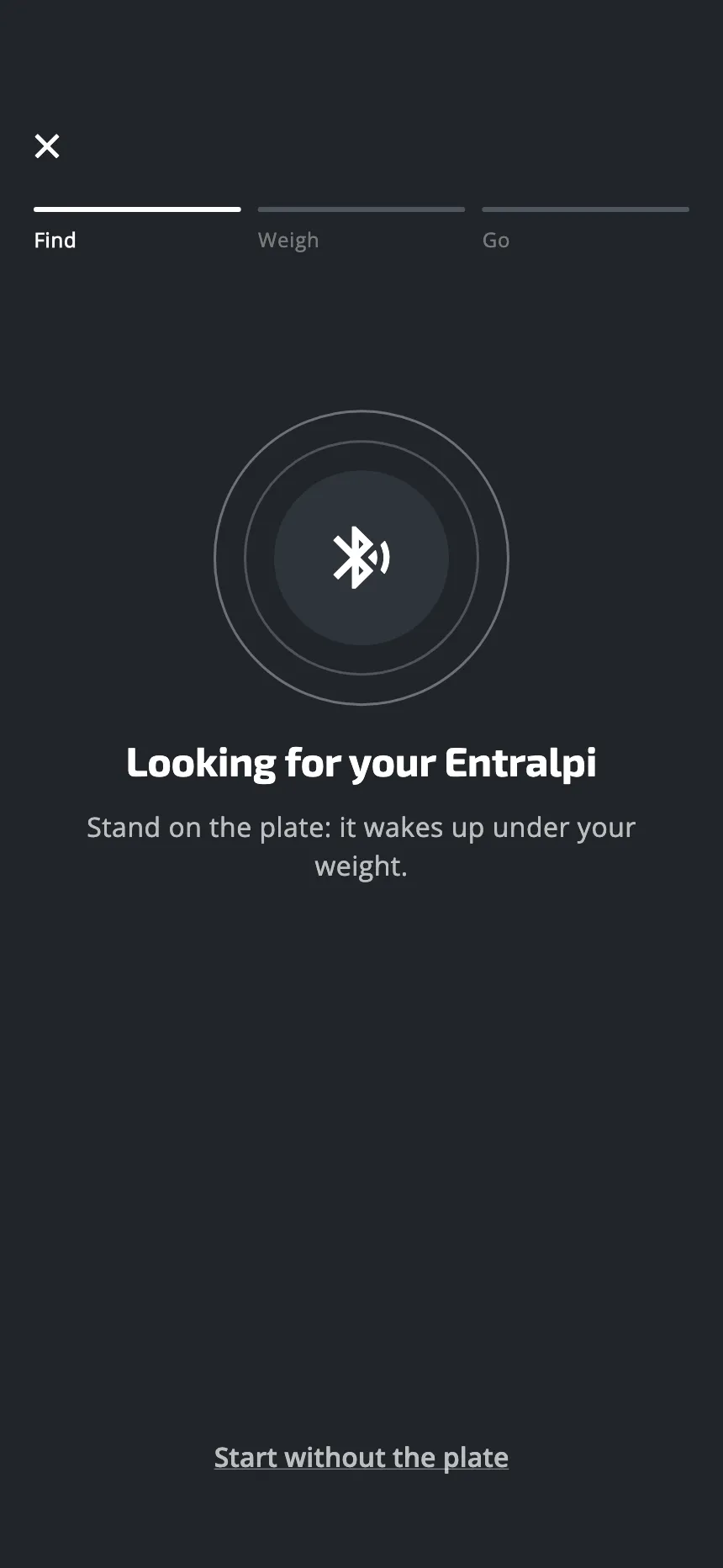
- Start your workout or your plan’s session as usual.
- The app looks for your plate. While it looks, tap Start without the plate. The same choice shows if there is a problem: Bluetooth is off, the plate is not found, or the weigh-in failed.
The session opens at once. The app does not weigh you.
If your plate is on and near you, the app finds it and weighs you, and this choice does not show.
You make this choice at each session. Nothing in Settings turns the timer on for good.
The first pull of the setup cannot be done on the timer: it needs the plate.
What the screen shows
- The picture of the exercise on top.
- Under it, the name of the exercise, its load and the countdown. During a rest, the app shows the exercise that comes next.
- No gauge and no force.
Each hang starts by itself when the countdown says so. With the plate, a hang waits for your pull. On the timer, it does not wait.
During a hang, the load shows under the name of the exercise. A fixed load shows in your unit. A share shows as a percentage: of your body weight (30% BW), of your max strength (20% max), of one finger’s max (60% of your pinky), or of your sustainable force, from your endurance test. If you have no max strength saved, a load in % max is not shown. The app cannot check the load: it is for you to use the right one.
If you cannot finish a hang, tap the screen. The app marks that hang as failed and goes to the next step. So do not tap the screen during a hang that goes well. A hang you do not tap is saved as done: the app cannot check it.
What is saved
The session is saved and sent to your account like any other.
- Each hang is saved with its time, and no force.
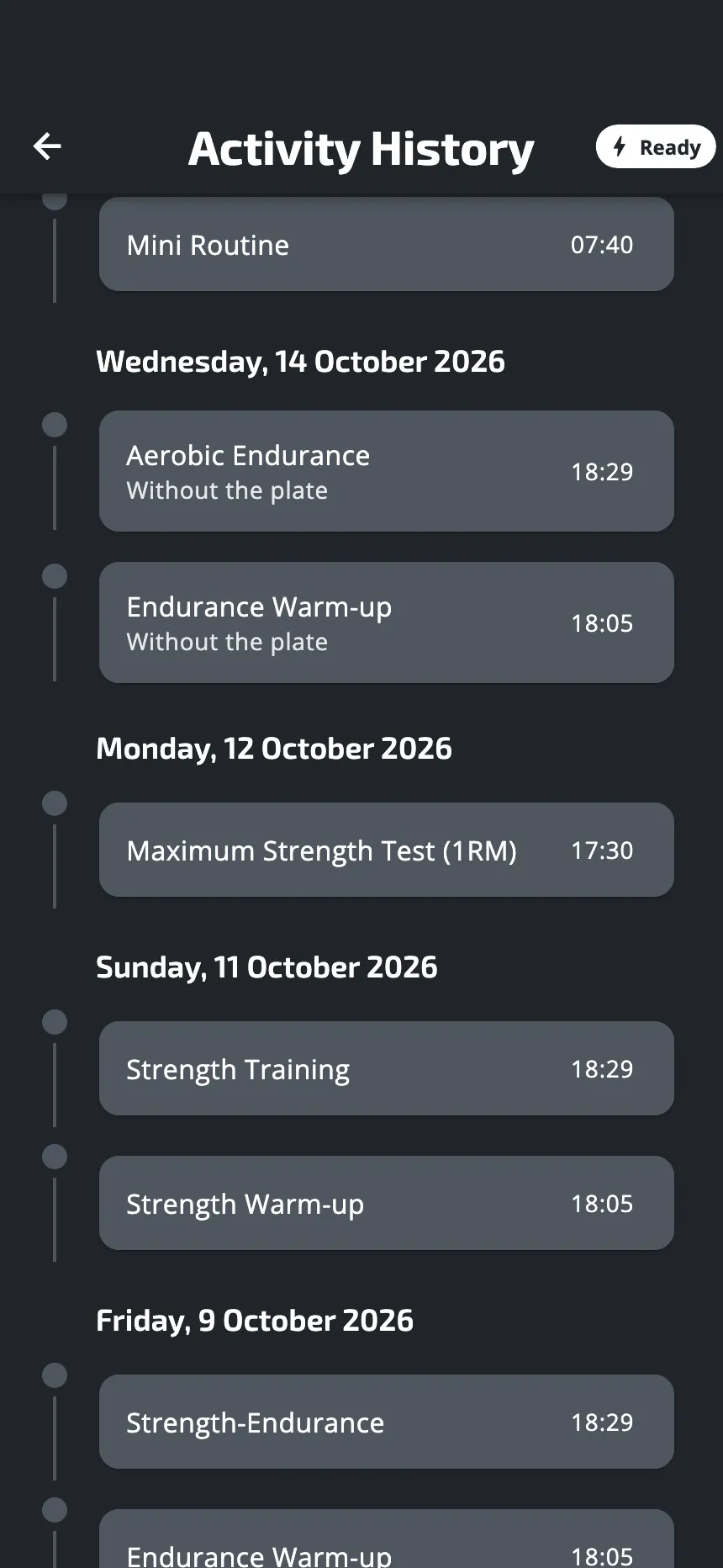
- In Activity History, the session carries the line Without the plate.
- In its details, a hang with no force shows a dash. Averages leave those hangs out.
Your plan counts the session as done.
If the plate stops during a session
If the plate stops answering in the middle of a session, the session stops and the app tries to find the plate again. If that does not work, it offers Continue without the plate and End the session. If you go on, the rest of the session runs on the timer. The hangs measured before are kept, and the history says Partly without the plate.
This is not offered during a test. See The plate is lost during a session.
Tests need the plate
Do not start a test without the plate. The warm-up that comes before a test runs on the timer. The test itself needs the plate. A test measures force, and on the timer there is none: the test has no real result. If the test is a day of your plan, the plan still counts it as done. Wait until you have the plate.
What you lose without the plate
- The live force and the targets on the gauge.
- The sounds that follow your force, and the tone that calls you when a hang waits for your pull.
- Your weight for that day.
- The force of each hang in your history.
The timer keeps your training going. A session done on the timer never gets its force numbers later: they are measured again at your next session with the plate.
Was this helpful?
Thank you. It tells us which articles to improve.